
Review applications
See every applicant, compare them side by side, and approve or decline. The decision is always yours.
See your applications
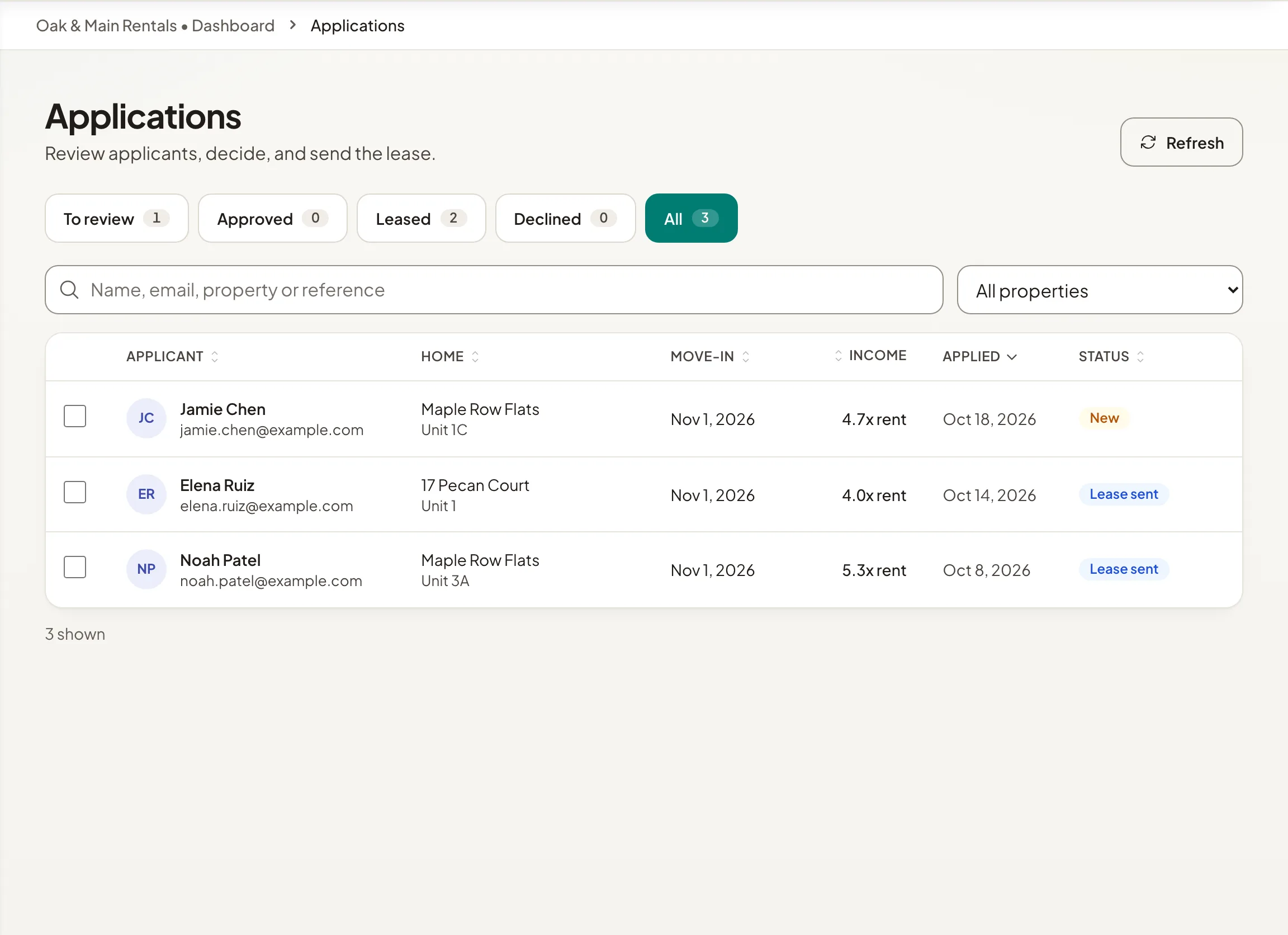
Open Applications. Tabs sort them into To review, Approved, Leased, Declined and All. Search by name, email, property or reference.
Open an application to see the applicant's contact details, the home, the move-in date and lease length, monthly income, work and pets. Holuway also shows income as a multiple of the rent.
To compare, tick two to four applicants and select Compare. Their facts appear side by side.
Holuway does not run credit or background checks today.
Decide
- Step 1Open the application.
- Step 2Select Approve and then Approve application, or Decline and then Decline application. When declining, you can add an optional note that is included in the email.
The applicant is emailed your decision either way, and a decision is final. After approving, select Create lease to prepare the lease. To write to an applicant, select Message applicant.
Someone who applied without an account shows as No account yet. You can decide now; to send them a lease, they create an account with the email they applied with, and the application links to it.
Application fees
To charge a fee with every application, see Charge an application fee.
Fair housing
Apply the same criteria to every applicant, as fair housing law requires. Holuway lays applications out for comparison and never approves or declines anyone for you. Read more on our Fair housing page.
Does Holuway check credit or background?
Not today. You see what the applicant wrote, such as income and work, and decide.
Can I change a decision?
No. Approving or declining is final, and the applicant is emailed straight away.