
Resident portal
Rent, autopay, payment history, repairs, documents, messages and announcements, at the property's own address and in your brand.

Portals
Applicants follow their application on its own page. Residents pay rent, ask for repairs and find their documents in a portal with your brand. Your team works on the same records in the workspace.

From first look to repair
The same property, home and lease carry a person through every step. Nobody types anything twice, and each person sees only their part.
Coming
A website for the property, drawn from its live homes and prices, with tours and applications. Websites are coming; listings on Holuway search work today.
After applying, the applicant follows the application on its own status page, pays the fee and writes to you in the same thread.
The signed lease opens the property's portal: rent, autopay, repairs, documents, messages and announcements.
A repair asked from the portal lands in your maintenance inbox; a vendor updates the job from a secure link, and the resident sees each step.
Rent, autopay, payment history, repairs, documents, messages and announcements, at the property's own address and in your brand.
Where the application stands, the fee, what happens next and a thread with you, from the link in the confirmation email.

A website for each property from its live data, with the portal's sign-in at hand. Coming; shown here on a sample property.
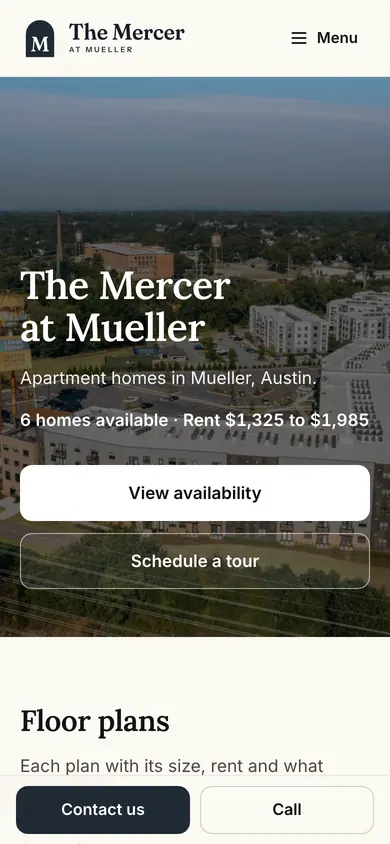
Applicants and residents never need to call to ask where things stand. Your team sees the same records in the workspace.
Connected
A rent payment lands in the ledger, a repair lands in the maintenance inbox, an application lands in your applications. The portal is a view of the same records, so there is nothing to sync and nothing to retype.


A resident portal for every property, and a status page with messages for every applicant. Property websites are coming. There is no owner portal or vendor portal yet; vendors update the jobs you send them from a secure link.
No. Both work in the browser on any phone or computer, so there is nothing to install.
From their lease. A person with a current or upcoming lease at the property is a resident of its portal, with one Holuway account across every portal they belong to.
Yes. Residents and applicants choose English or Spanish.
Create your account, add a property and publish your first listing in minutes. Free to start, no credit card.
Give every property a branded resident portal: residents pay rent, set up autopay, request repairs, message you and read announcements from any phone.
Every rental applicant gets a status page: where the application stands, the fee, your note, what happens next, and a message thread with you, through to the signed lease.
Residents report repairs with photos, you triage and assign your team or a vendor by secure link, book the visit and close it, with the resident updated at every step.