
List your property for free
Add photos, fees and contact details, then publish a listing renters can find, tour and apply to.
Listing on Holuway is free, with unlimited listings, inquiries, applications and tour requests. A paid plan adds tools to manage tenancies; see Fees and plans.
Get the listing ready
- Step 1Open the property from Properties. If you have not created it yet, see Add your first property.
- Step 2Add each home with its rent, as in Add homes to a property.
- Step 3In Photos, drop your photos or choose them: JPG, PNG, WebP or HEIC, up to 10 MB each. The first photo is the cover in search results; select the star on a photo to make it the cover.
- Step 4In the property's Fees section, select Add a fee for every fee besides rent, such as application, pet or parking fees, so renters see the full cost before they apply.
Publish
The Listing checklist on the property page shows what is left. Under To go live: a full address with a 5-digit ZIP, at least one home with its rent, and an office phone or email. A map location, a description and real photos help it appear in Google and other search results. Each missing item has a Fix link.
- Step 1Select Publish on the property page.
- Step 2Tick the box to confirm that you manage the property or are authorized to advertise it, and that its details, prices and photos are accurate.
- Step 3Select Publish now.
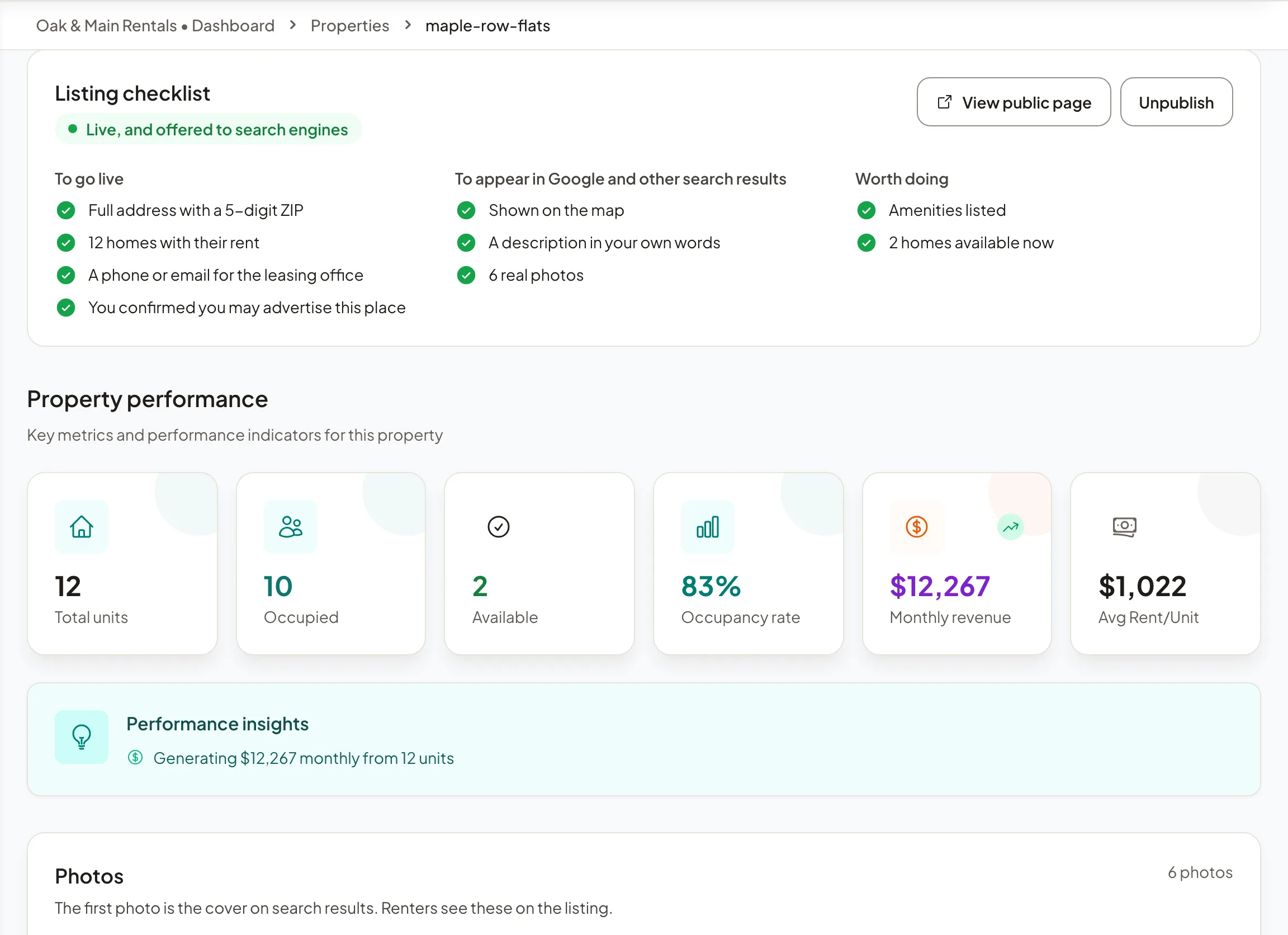
You confirm once per property. Select Unpublish at any time to take the listing down straight away. To take tour bookings online, see Set tour hours.
Note: Listings must follow fair housing law: describe the home, not who should live there. See Fair housing.