
Import your portfolio
Bring properties, homes, tenants and leases in from spreadsheets, MITS feeds or RESO sources.
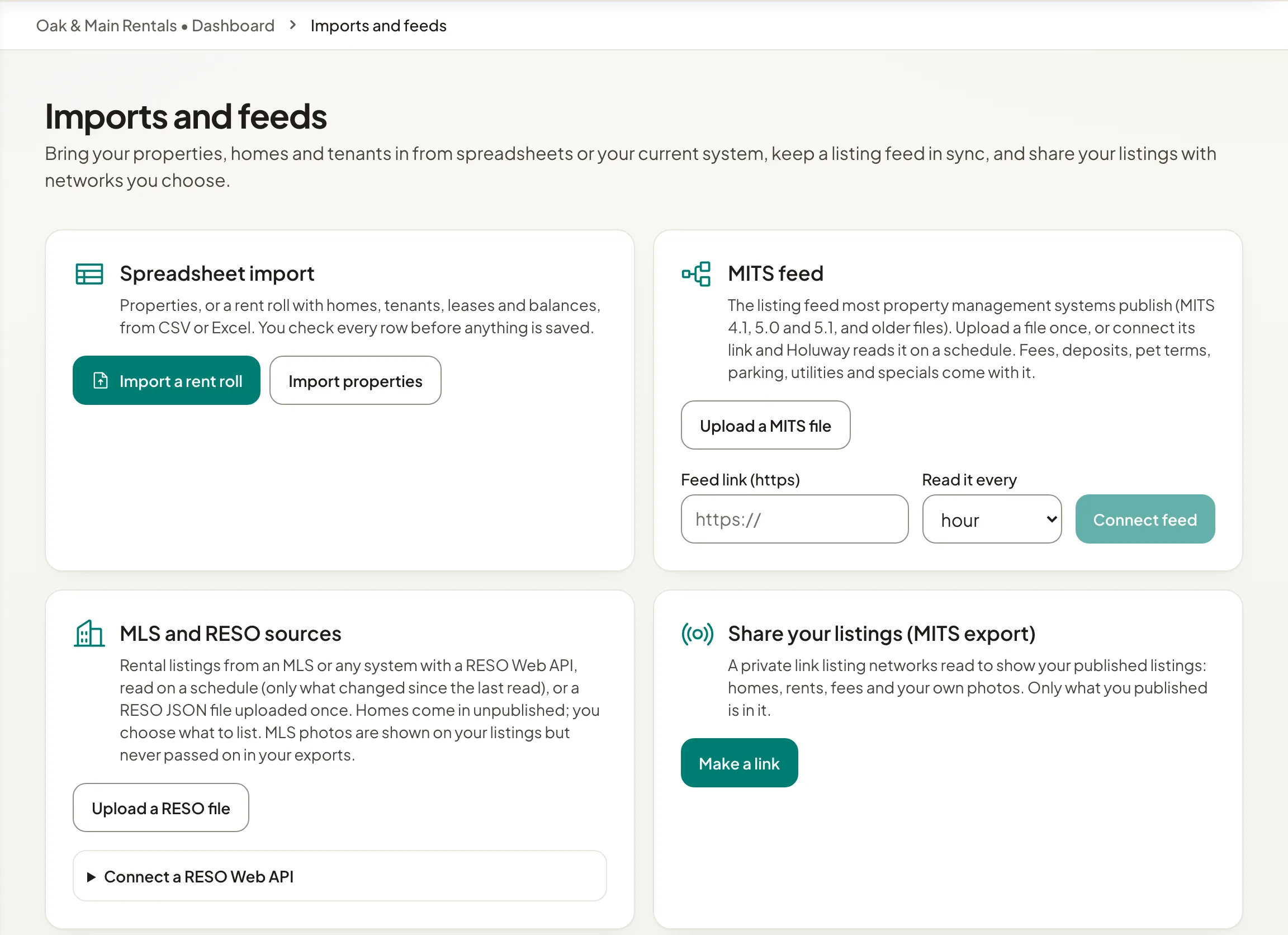
Open Imports and feeds. You can bring in:
- Spreadsheet import: properties, or a rent roll with homes, tenants, leases and balances, from CSV or Excel. Select Import properties or Import a rent roll, and Download the template if you want to start from ours.
- MITS feed: the listing feed most property management systems publish, versions 4.1, 5.0 and 5.1. Upload a file once, or connect its link and Holuway reads it on a schedule you choose.
- MLS and RESO sources: rental listings from an MLS or any system with a RESO Web API, or a RESO JSON file. Homes come in unpublished; you choose what to list.
How an import works
- Step 1Choose the file and match your columns.
- Step 2Check the preview: what is new, what is updated, and any rows that are blocked.
- Step 3Select Import. Blocked rows are skipped; fix them in your file and import it again.
A rent roll import can email your tenants how to set a password and pay rent online. It is off unless you tick the box.
Changed your mind? Select Undo import in the import history. This works only while nothing depends on the imported records yet, such as payments or applications.
Share and export
To send your published listings to listing networks, see Send listings to partners.
Accounting downloads your rent ledger for QuickBooks Online, Xero or a spreadsheet; see Export rent to your accounting software.