
Export rent to your accounting software
Download any period of your rent ledger as files QuickBooks Online, Xero and spreadsheets import.
Download a period
- Step 1Open Accounting.
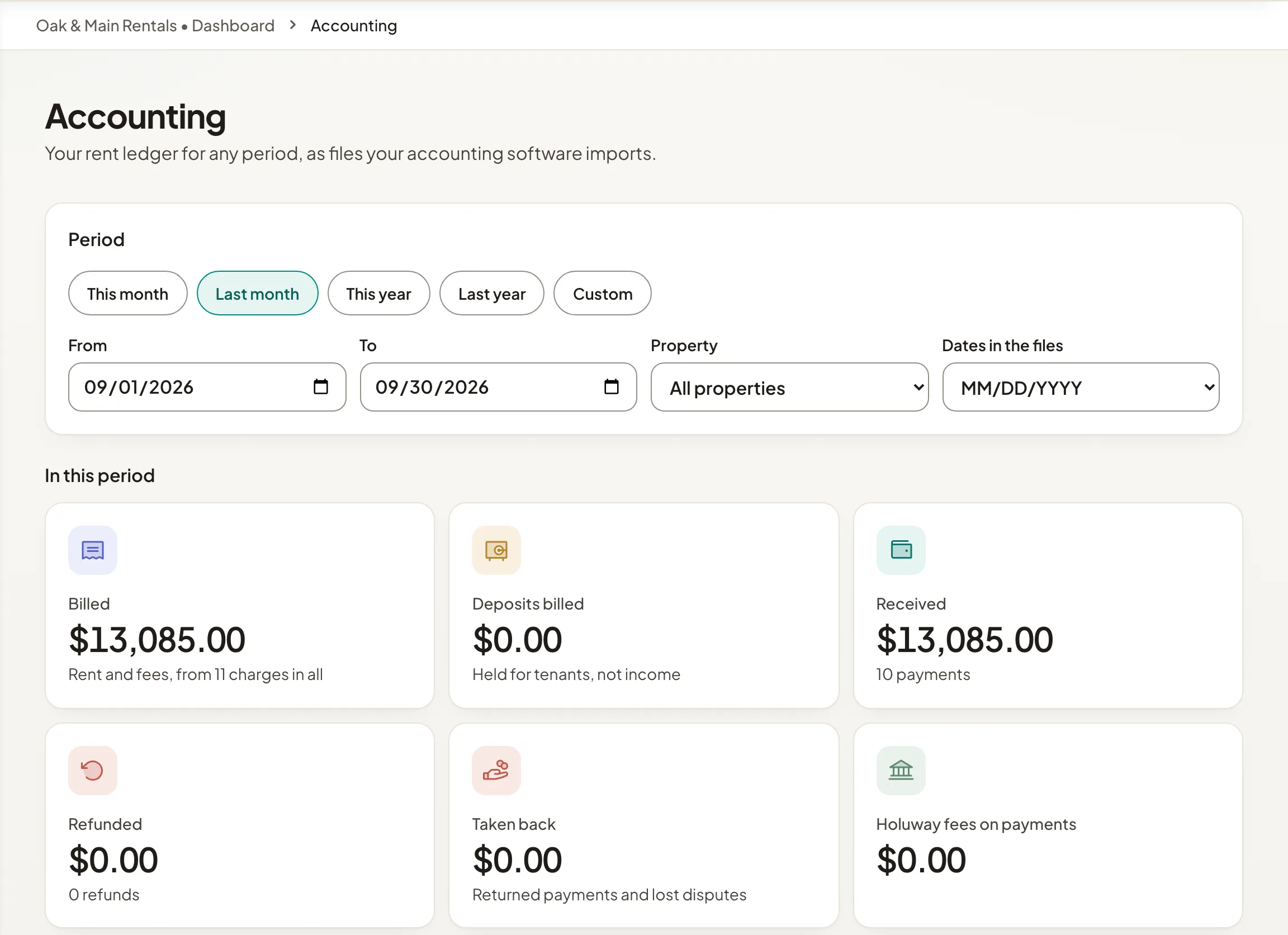
- Step 2Choose a period, such as Last month, or Custom with your own dates. Pick one property or keep All properties, and choose how dates are written in the files.
- Step 3Check the totals: billed, deposits billed, received, refunded, taken back and Holuway fees on payments.
- Step 4Select Download on the file you need.
The files
- QuickBooks Online invoices: each charge as an invoice. A large period comes as a zip of files to import one by one.
- Xero invoices: each charge as a sales invoice line, with your income and deposit account codes.
- Payments received: a bank statement style file.
- Full ledger: everything, for a spreadsheet.
One download covers up to three years. Stays and spaces bookings are on Statements instead.