
Add homes to a property
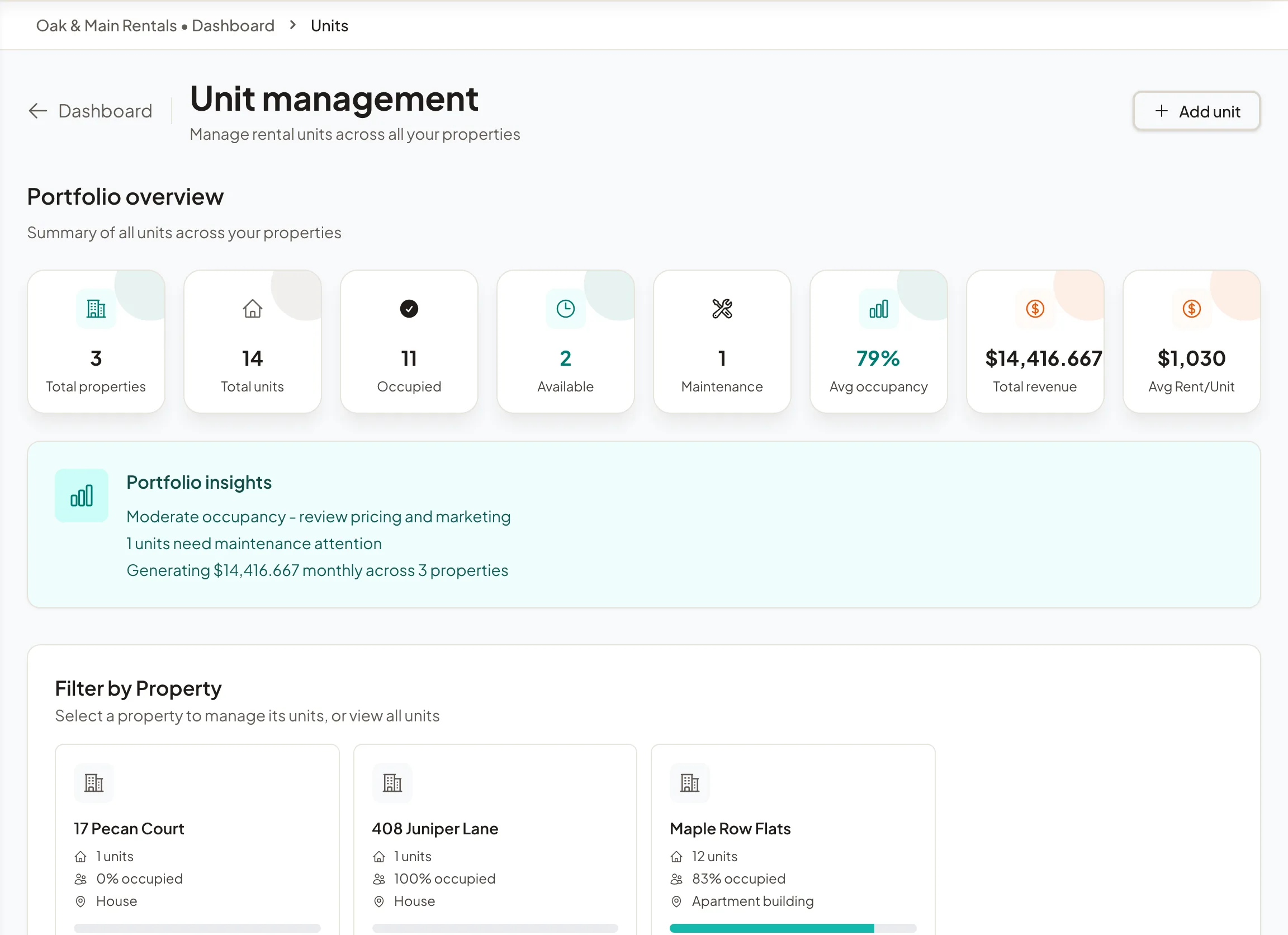
Add each home with its rent one at a time or many at once, add its photos, and upload a floor plan renters can walk through.
Add one home
- Step 1Open the property from Properties. Its Unit management section lists its homes.
- Step 2Select Add unit.
- Step 3Enter the Unit number, bedrooms, bathrooms and Monthly rent. Floor, size, deposit, pet rent, the date it is available, features and photos are optional.
- Step 4Select Create unit.
Important: The rent field starts with an example amount. Replace it with your real rent before you save.
Add many homes at once
- Step 1In Unit management, select Bulk add.
- Step 2Type rows with Add a row, or select Add the next unit to copy the last row with the next number. You can also select Import CSV, or paste rows from a spreadsheet with a header row and select Use pasted rows.
- Step 3Select the add button, which shows how many units it will add. Rows that need a fix stay in the table with the reason; the others are added.
Photos and floor plans
Each home can have its own photos: select Photos on its card. Building photos are on the property page.
To show a floor plan, select Navigator on the home's card, then Upload floor plan. You can add a 360 view of each room, and renters walk through it on that home's page once it is published.
Homes are not grouped into floor plans in the app today. A floor plan name comes in only through a rent roll or MITS import.