
Set up your workspace
Your workspace is made the first time you open the managing area. Confirm your business details and follow the setup guide.
Your workspace is ready on your first visit
Sign up as A landlord or manager on Create your account, confirm your email and sign in. The first time you open the managing area, Holuway sets up your workspace for you: an organization that holds your properties, team, payouts and billing. There is no form to fill in.
It is named after the business name you gave when you signed up. If you left that empty, it uses your own name until you change it.
Follow the setup guide
Your home page shows Get set up, a short list of what to do next. The next step is highlighted, and each one opens the page where you do it.
- Confirm your business details: the name renters see on listings, leases and receipts.
- Add your first property: an address and a few details.
- List it for renters: a home with rent and photos, then publish.
- Optional steps: Bring your current tenants, Get paid online, Open a resident portal and Invite your team. When renters asked about your places before you joined, Answer the renters who asked appears too.
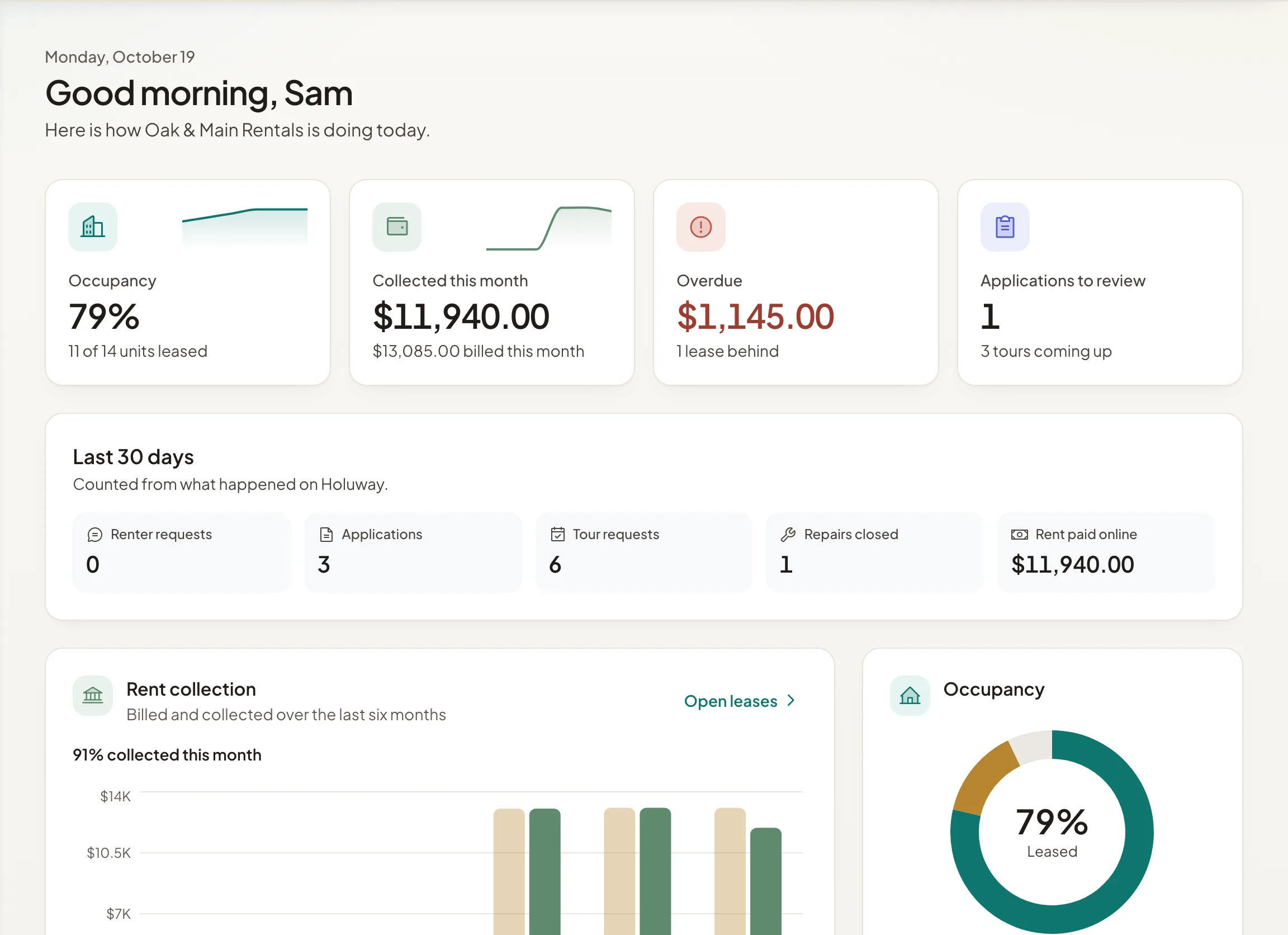
To hide the guide, select Hide. While you still have required steps left, Show setup guide at the top of the home page brings it back.
Change your business details
Open Settings to change the Organization name, the Name renters see, the Legal name used on leases Holuway makes for you, your contact details, address and Time zone. Rent due dates, reminders and reports use that time zone. Select Save changes when you are done.
Only people who can change organization settings see this page, normally owners and admins.
More than one organization
Run properties under different companies? Open the organization menu in the top bar and select Create organization. Each organization has its own properties, team, payouts and billing, and you switch between them from the same menu.