
Send a job to a vendor
Keep a list of the vendors you call, send one a repair by email, and follow the work through to done.
Add your vendors
Open Vendors and select Add a vendor. Enter the company or name, and the email work orders go to. A contact person, phone, what they fix, notes and rates are optional. A vendor is a contact, not an account.
Send a job
- Step 1Open the repair in Maintenance. Triage it first.
- Step 2Select Assign and choose the vendor under Vendors. A vendor without an email cannot be chosen.
- Step 3Choose which of the renter's photos the vendor may see, and whether to share the renter's name and phone. Sharing them is off unless you turn it on.
The vendor is emailed a link to that one job. It works until the job ends or is given to someone else, for at most 30 days.
What the vendor does
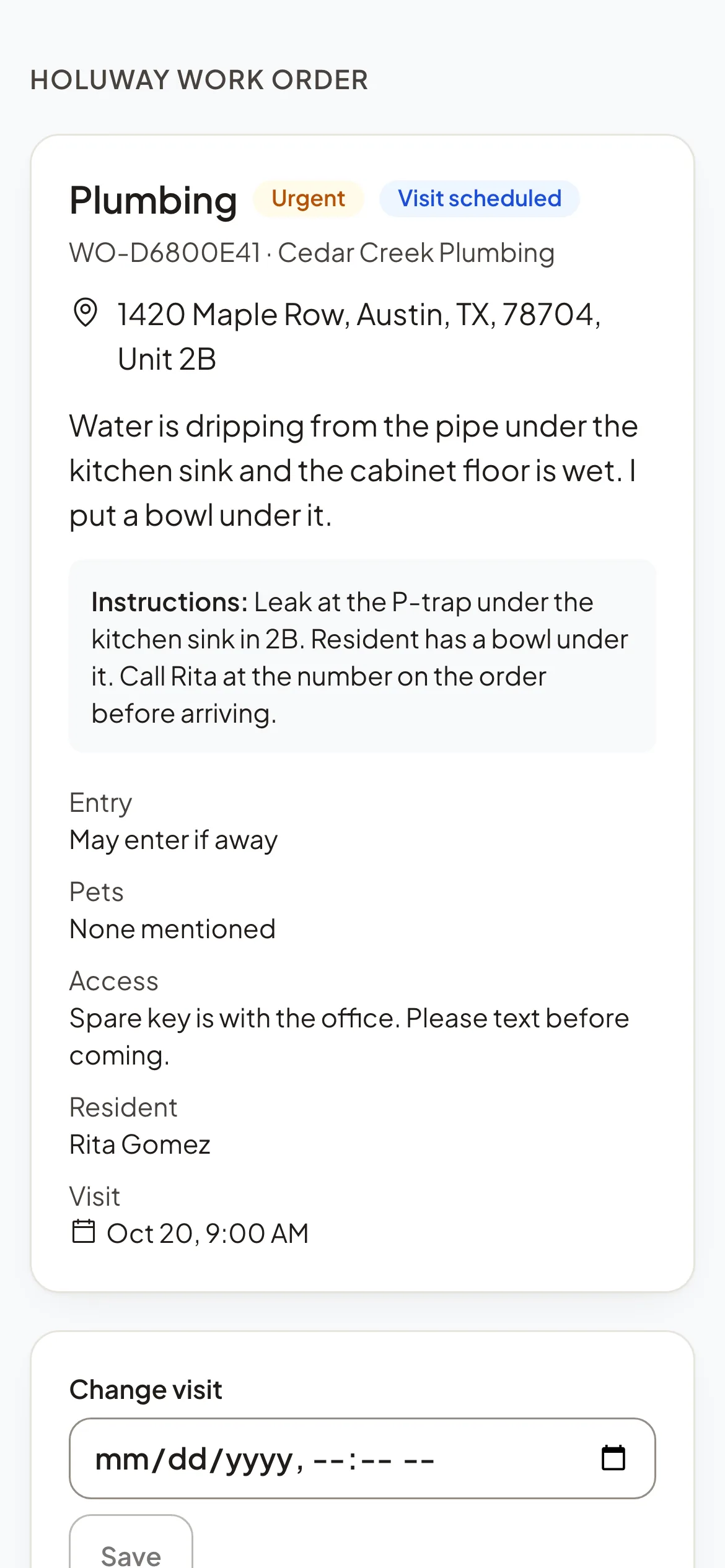
On the link, the vendor accepts or declines the job. Once accepted, they set the visit, start the work, send estimates and invoices, add photos and messages, and report the work done. You then review it and close the repair.
Reports
Maintenance reports show what was opened and closed, what is open or overdue, how fast repairs move, and breakdowns by priority, property and category.