
Post an announcement to residents
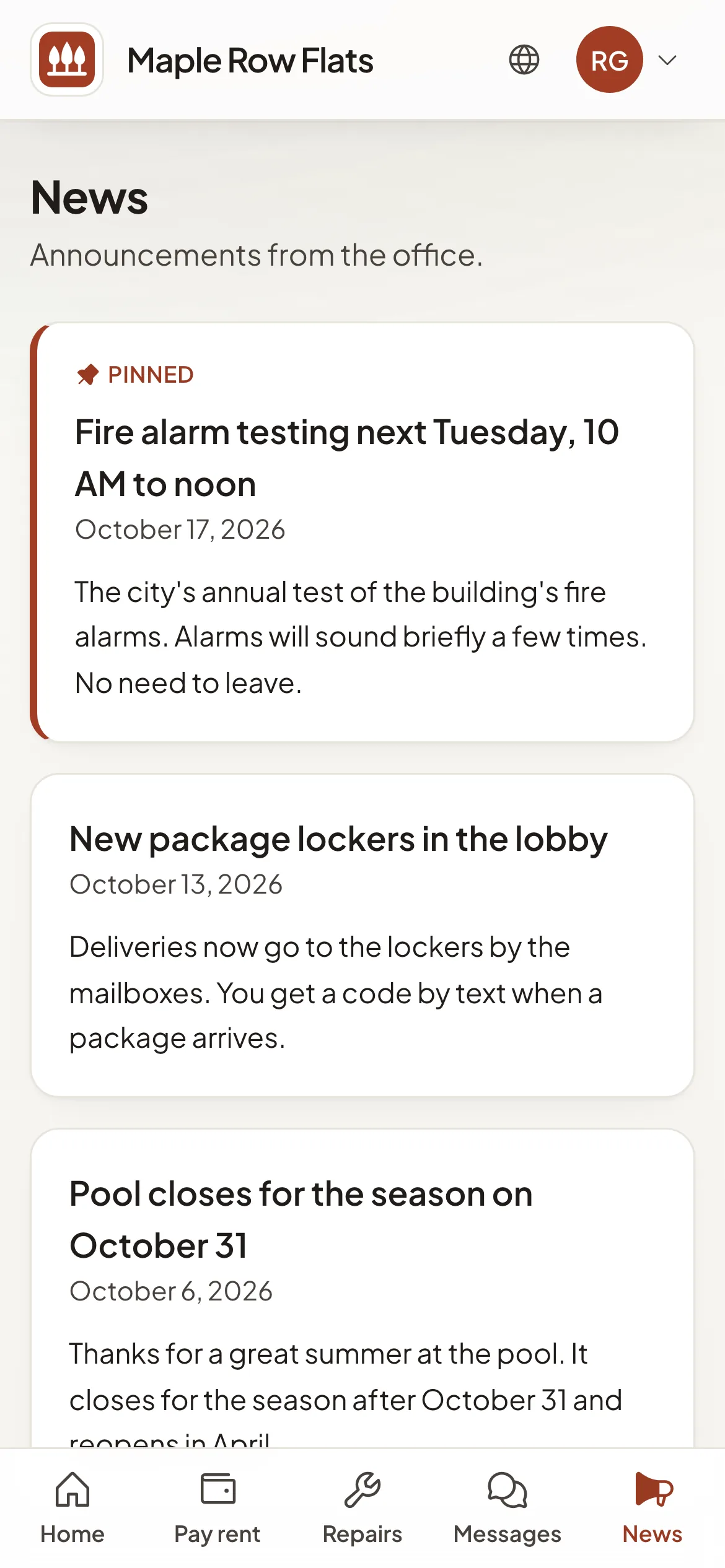
Post news for everyone at a property. Residents read it in the portal, and pinned posts stay on top.
Post it
- Step 1Open Resident portals and select Manage on the property.
- Step 2In Announcements, select New announcement.
- Step 3Enter a Title and the Message. Tick Pin to the top to keep it above newer posts.
- Step 4Select Post.
An announcement goes to everyone at the property. Residents see it on the portal's News page and on its home page.
Good to know
- Posting does not send an email. For something urgent, also message the tenants it affects.
- A post cannot be edited. To change one, select Delete and post it again.
- If Announcements is turned off under What residents can do, residents do not see posts.